The Best Online Color Palette Generators
Rocio Romero ·
Choosing the right color palette is essential for any design project. Free online tools like Adobe Kuler and Coolors make it easy to create and select harmonious color combinations quickly.
Privacy and analytics
We use necessary technical cookies and, only with your consent, analytics and marketing pixels to improve the website and measure campaigns.
Rocio Romero ·
Choosing the right color palette is essential for any design project. Free online tools like Adobe Kuler and Coolors make it easy to create and select harmonious color combinations quickly.

We all know how important choosing colors is when creating a good design. For this, it is essential to use color palettes that facilitate your creation.
Today, we want to show you two free online color palette generators, which are very simple and improve your productivity due to their speed.
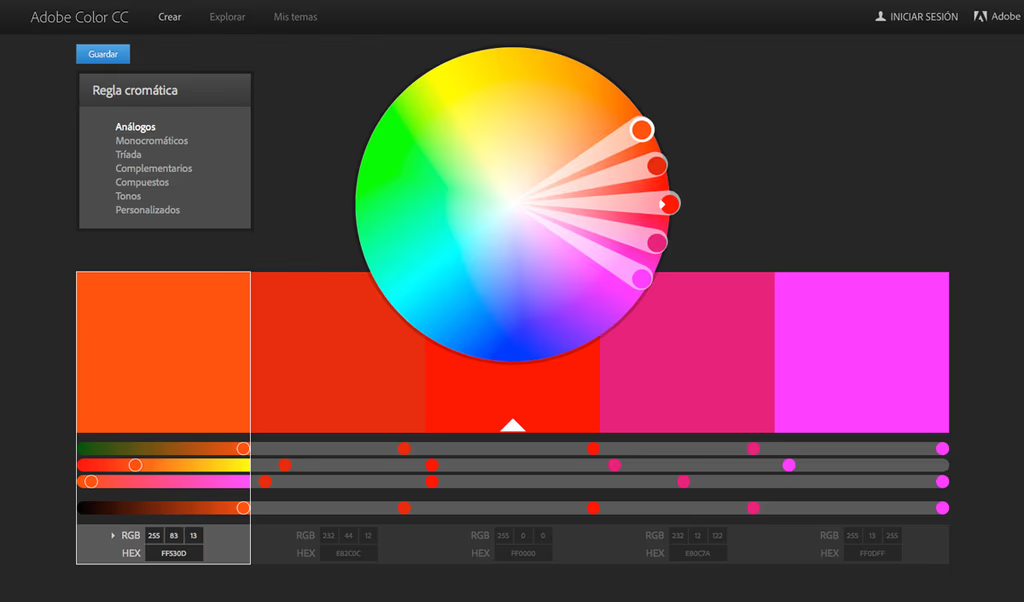
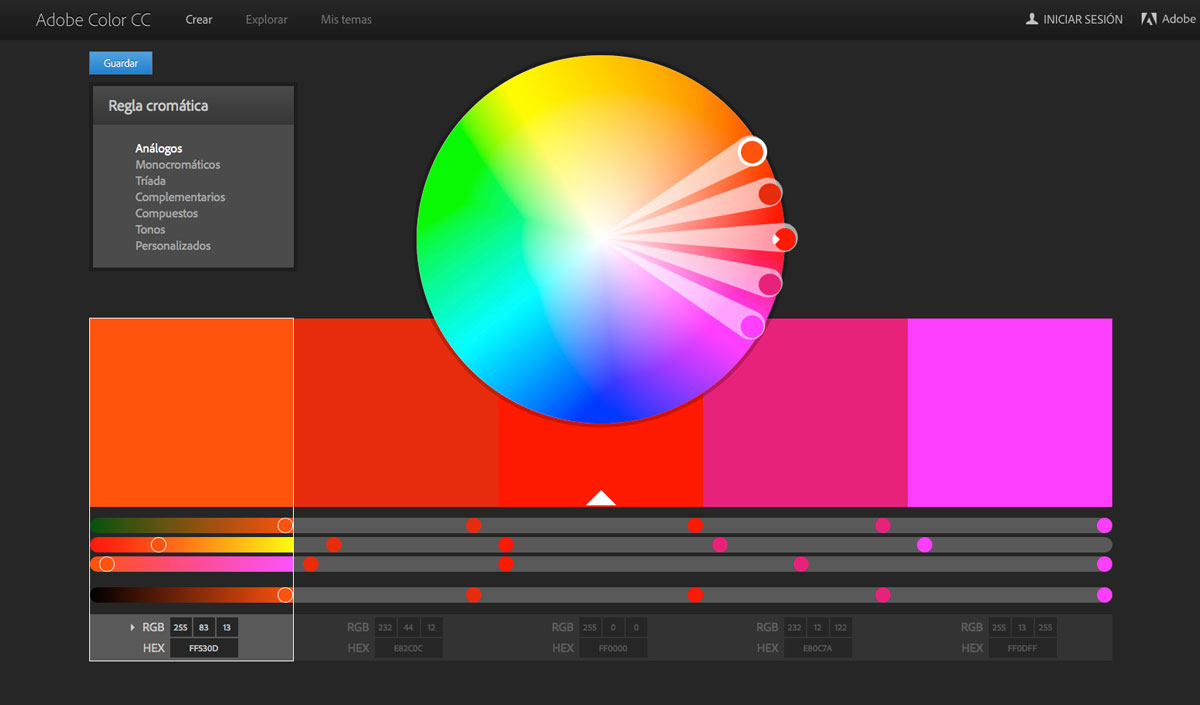
The first one we are referring to is ADOBE KULER. An Adobe System classic capable of generating palettes based on themes that allows you to create, test, and save various color schemes. Additionally, you can download Switchboard from Adobe Labs and the Kuler desktop version to export a color scheme directly into Photoshop, Illustrator, and InDesign.
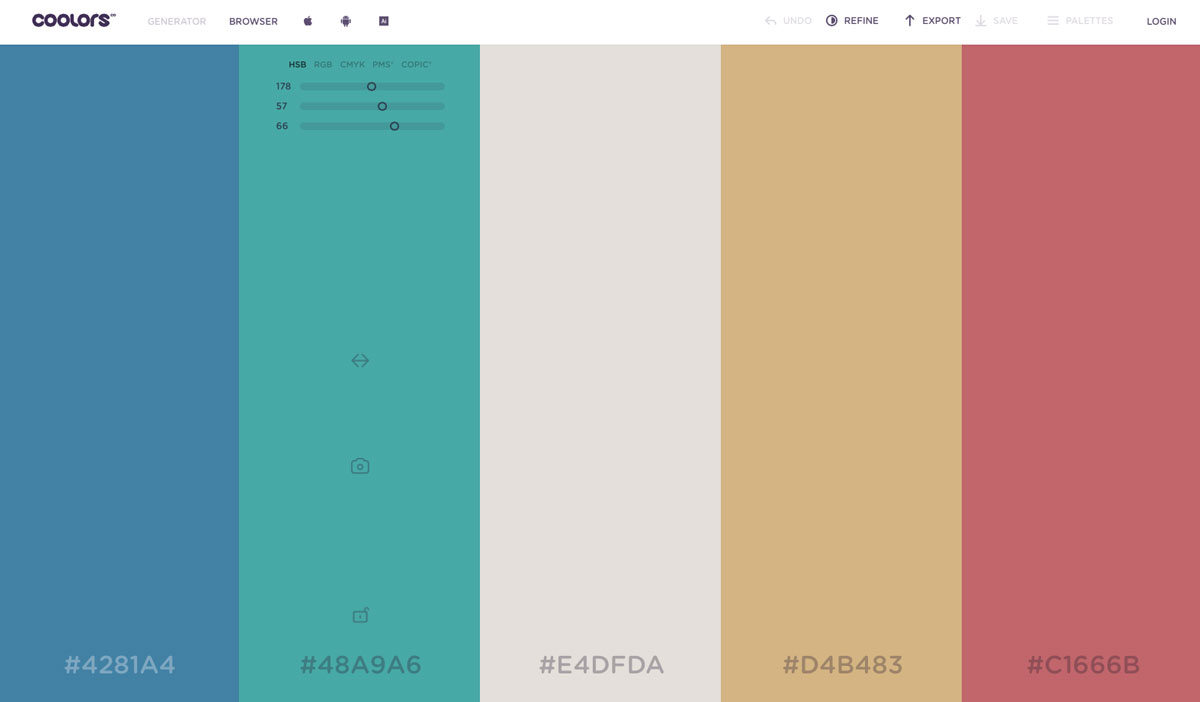
The second one we will talk about is COOLORS. A much newer color palette generator that is perfect for beginners because of its simplicity and the speed of its operation. When you enter, a selection of colors will appear. You just have to click on any of them to enter your color code, and its color palette will appear. Use the spacebar to find exactly what you need. Furthermore, it has a browser with palettes already created by other users.